# How to change password?

Found to the bottom left of the system, this allows a user to adjust their profile information, such as name, password, title, etc.

Click the avatar of the user, then Account Settings.
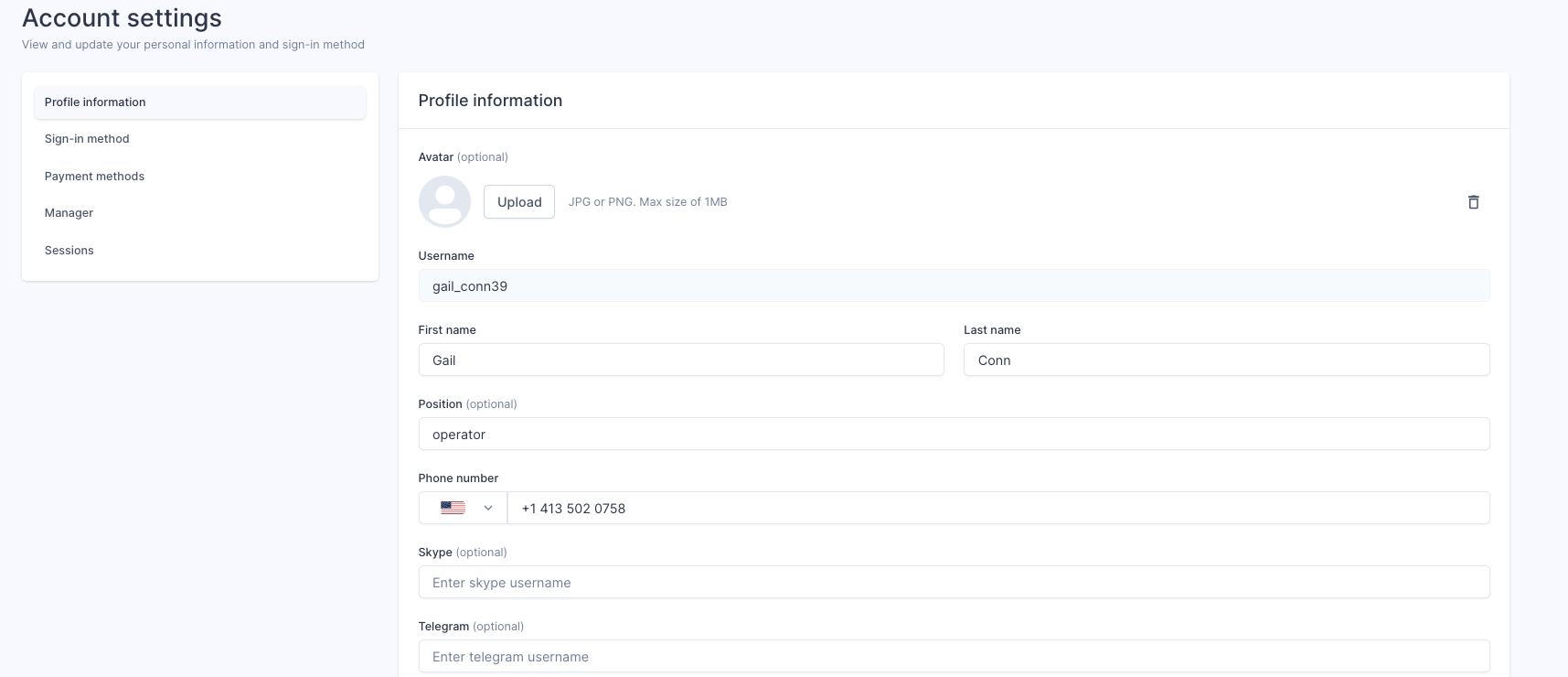
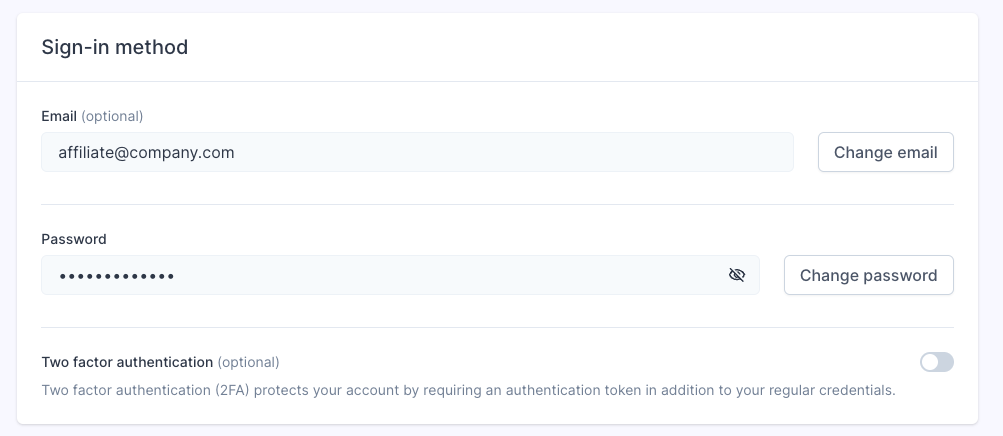
<figure class="image" id="bkmrk-">![Screenshot%202024-08-16%20at%2013.52.54.png](https://help.referon.com/uploads/images/gallery/2026-09/3373bc5649be9c01a0ba2872f20491ca7230f0de.png)</figure>Navigate to sign-in method. You may also turn in / off Two Factor Authentication here.
<figure class="image" id="bkmrk--1">![Screenshot%202024-10-30%20at%2011.15.11.png](https://help.referon.com/uploads/images/gallery/2026-09/4364fe15a12e6b5f30dd24084e2e4cf4f9db32cc.png)</figure>Read more about Account Settings: [Account Settings](https://help.referon.com/link/29)