Payments
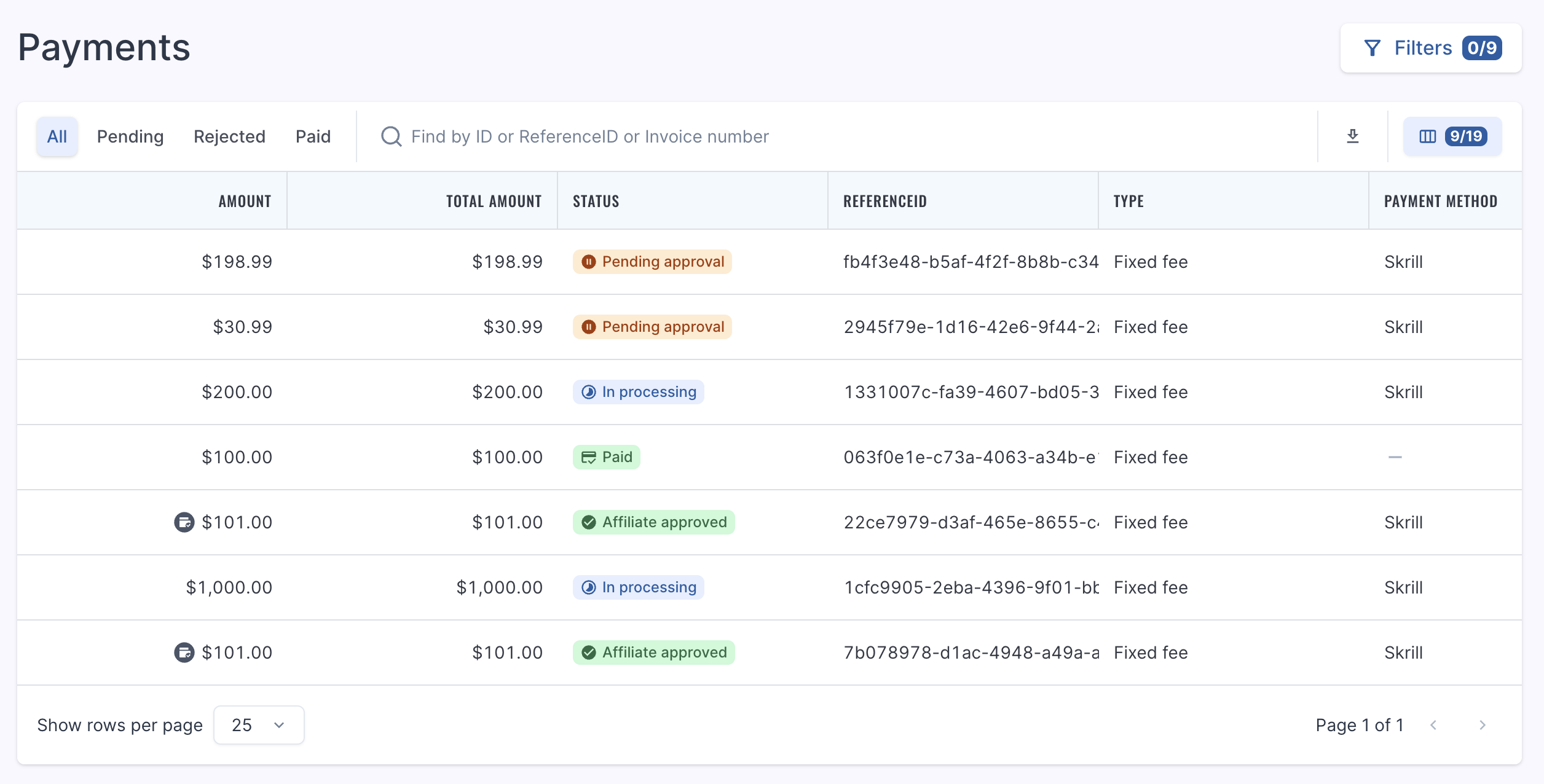
The area is to provide management of payment transactions created either from Accruals or from the current page. Various statuses are available for visibility and better understanding of the payment process.
Overview
The following tabs are available at the top of the page:
- All
- Pending
- Rejected
- Paid
You will see the following information on the page:
- ID
- Status
- Type
- Company
- Affiliates
- Amount
- Payment method
- Payment details
- Invoice (once uploaded, these can be downloaded upon clicking the hyperlink)
- Referenceid
- PMC (payment confirmed)
- POP (proof of payment)
- Modified by
- Modified date
- Payment date
- Approved by
- Approval date
- Created by
- Creation date
Once a payment is created from the admin side, it will show as 'Pending approval'. At this stage you may upload your invoice via the invoice upload function and you may also choose to Verify; putting the status as 'Affiliate approved'. This will be shown to admin as well.
As the payments proceeds through the flow, you will see 'In Processing', 'Cancelled' or 'Paid'.
Invoice Generation - OPTIONAL
If the operator has the invoice generator function enabled, when uploading the invoice you may instead choose to generate and a Referon designed template will appear instead.