Extracting a Image Link
Varying slightly from extracting a tracking link, if you have uploaded banners and wish to extract the image link, you will need to follow the below steps;
- Create/Edit Media Item
-
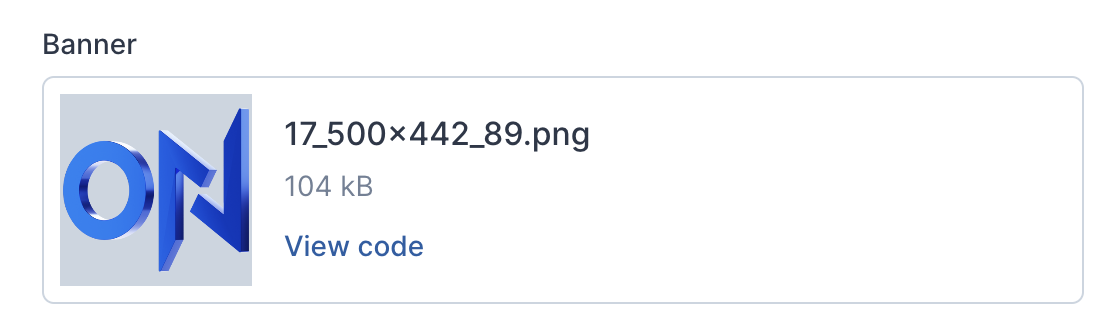
Click View code below the banner you have selected.
-
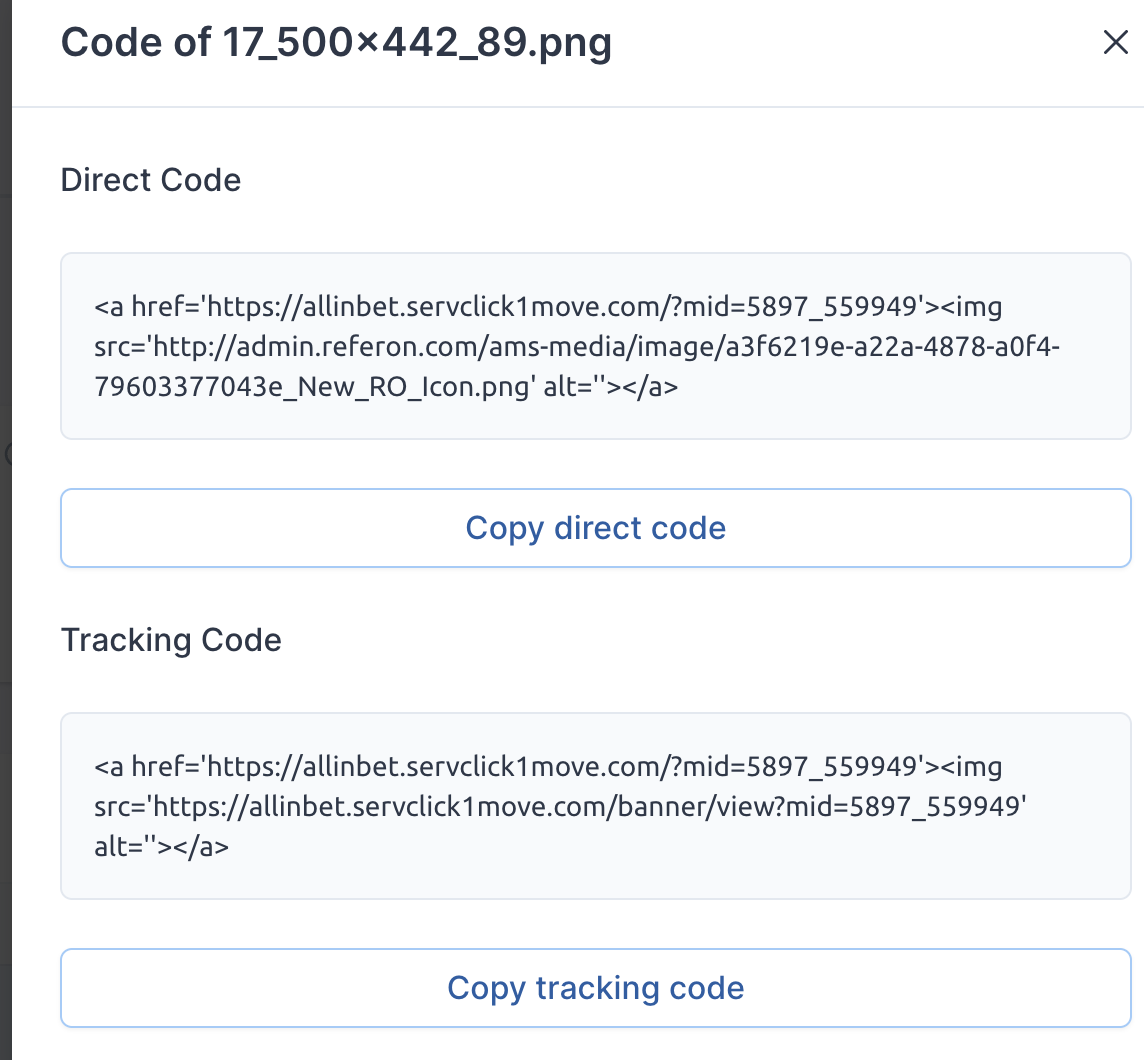
Extract the associated codes from there, depending on your needs.
- Should you wish to use the campaign and tracker as a text link, you can continue to use the Copy Icon as per flow above.