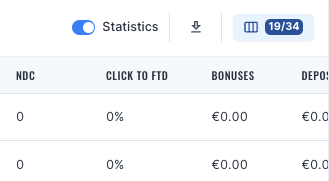
The statistics toggle can be found in the following pages:
My company
Media Items
This allows a user to quickly see statistics for the given view and is linked with the data range selector. For all areas it will show the following measures, with the grouping before depending on the page view:
Banner View Count
Click Count
Unique Click Count
CPC count
Reg. Count (total)
Reg. Count (sub-affiliate)
Reg. Count
FTD Count
RDC
Active customers
Depositing customers
Count of deposits
CPA count
Reg. to FTD
Click to FTD
Click to REG
Bonuses
Deposits
Avg. deposit
FTDs amt
NDC Deposits
RDC Deposits
FTDs Deposits
Deposits per FTD
Deposits per Active
FTDs Deposits per FTD
Turnover
NGR
Revenue Share
RS distribution
CPA
CPC
Fixed Fee
Deductions
Sub-affiliate reward
Total Reward
Reward Commission
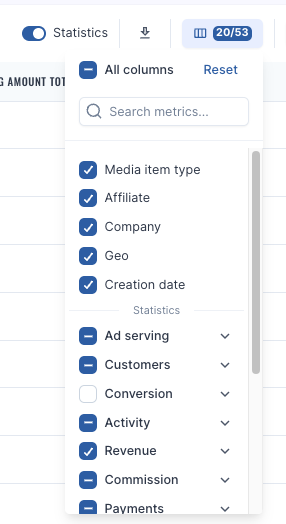
To help with data management, you may also choose to hide or show the columns in each page via the Column Chooser to the right of the screen. This also applies to the list page when statistics is not switched on as well.
Every page can also be extracted in CSV via the ‘download’ button should additional data pulls be required.
Was this article helpful?Thank you! This helps us improve the knowledge base.