Profile Settings
General
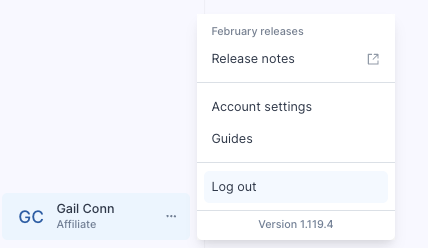
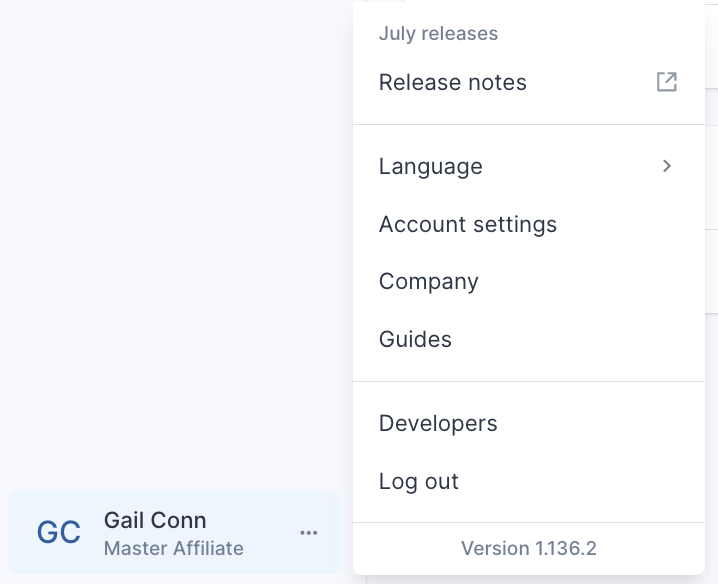
Found to the bottom left of the system, Profile settings provides access to additional system components, such as the release version of ReferOn, Language selector, Account settings, Company settings, ReferOn Guides and API section for developers.
 |
The release version of ReferOn and Guides are also shown in this section. As the product develops check out all Release Notes and Knowledge Base. |
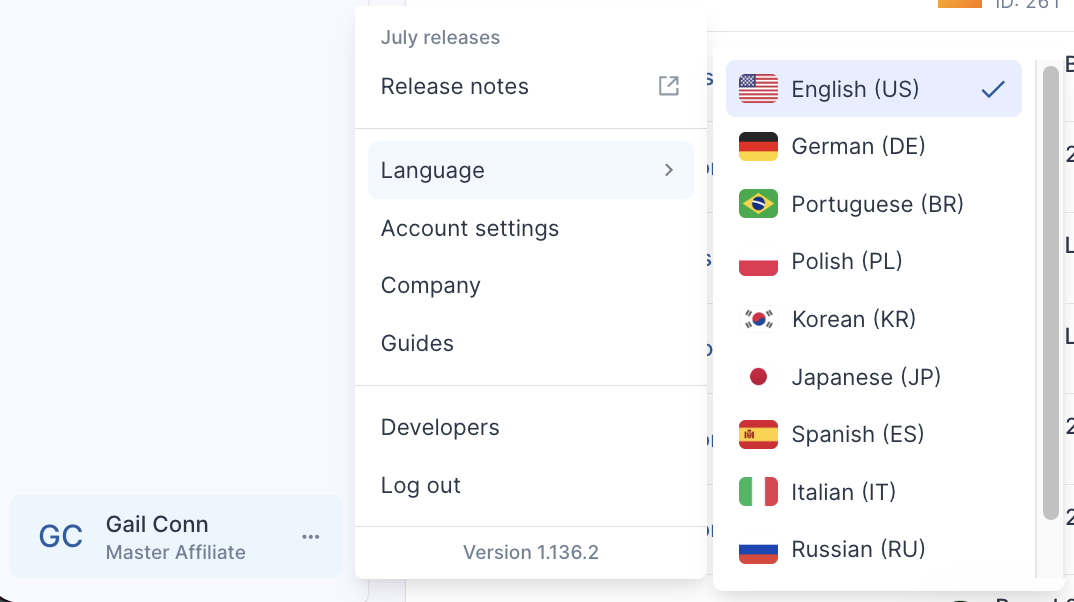
Language selector
Allows a user to switch between available languages for easy navigation and access to the content in the language one is most comfortable in.
Account Settings
Click the avatar of the user, then Account Settings.
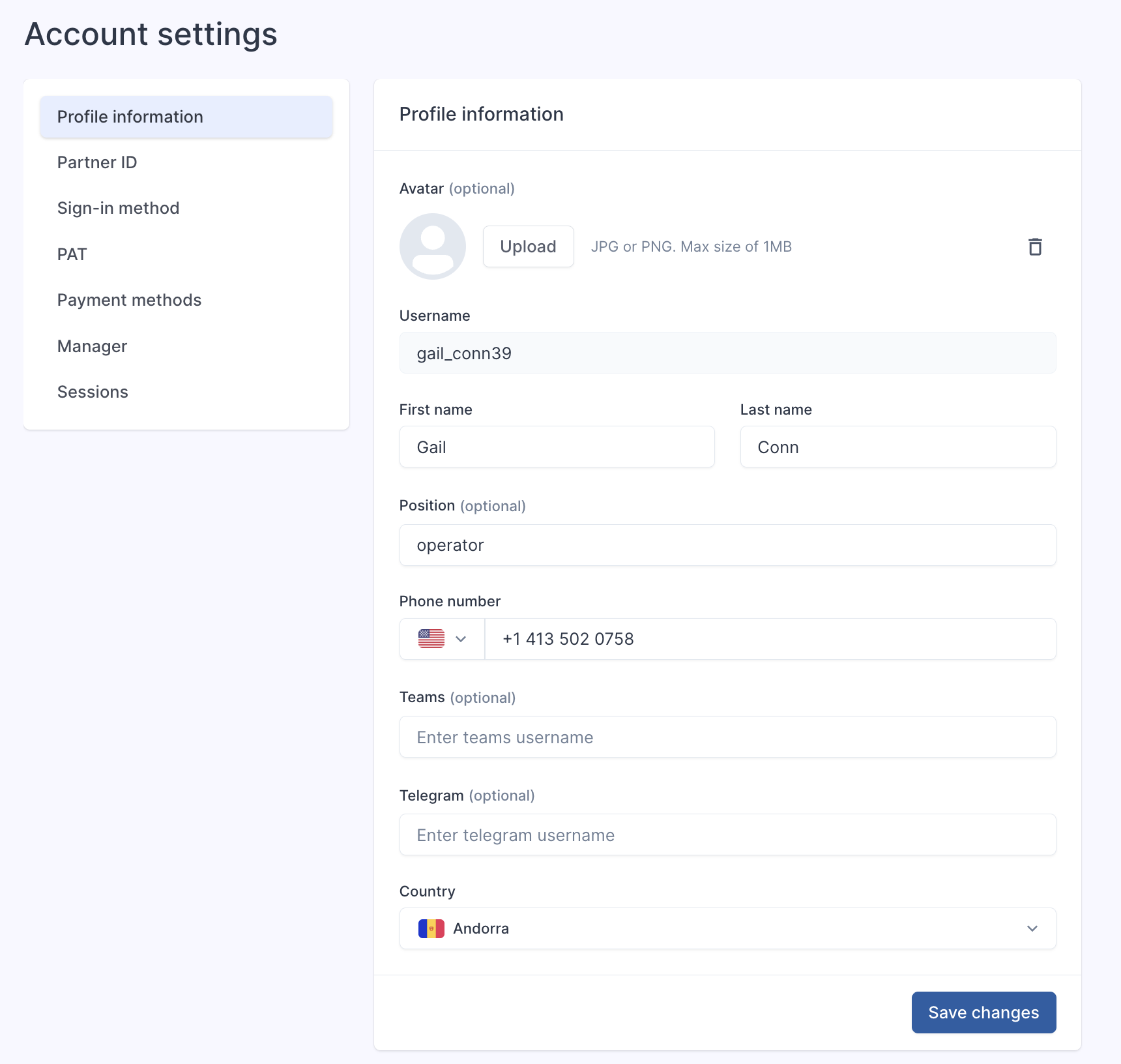
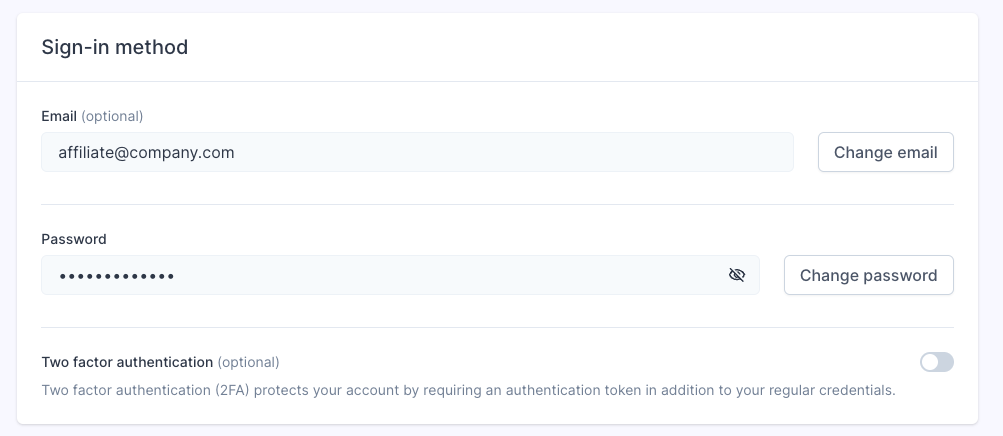
Change Email and Password
Personal Access Token
We have now have a function that allows easier integration with third party tools and scripts - Personal access token. This can be found via Profile - Account Settings - PAT
 |
Please note you must have 2FA enabled to use this function. |
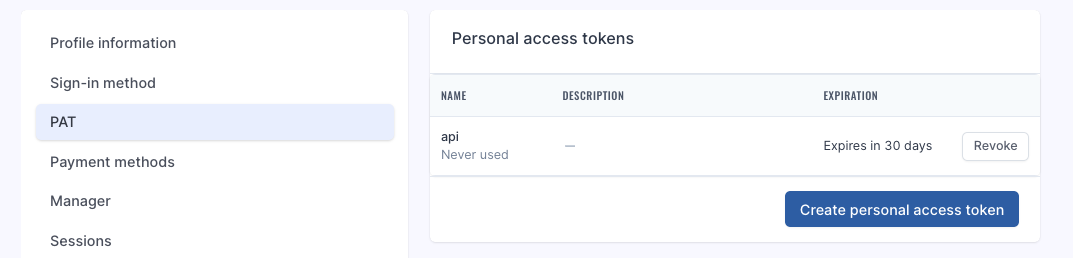
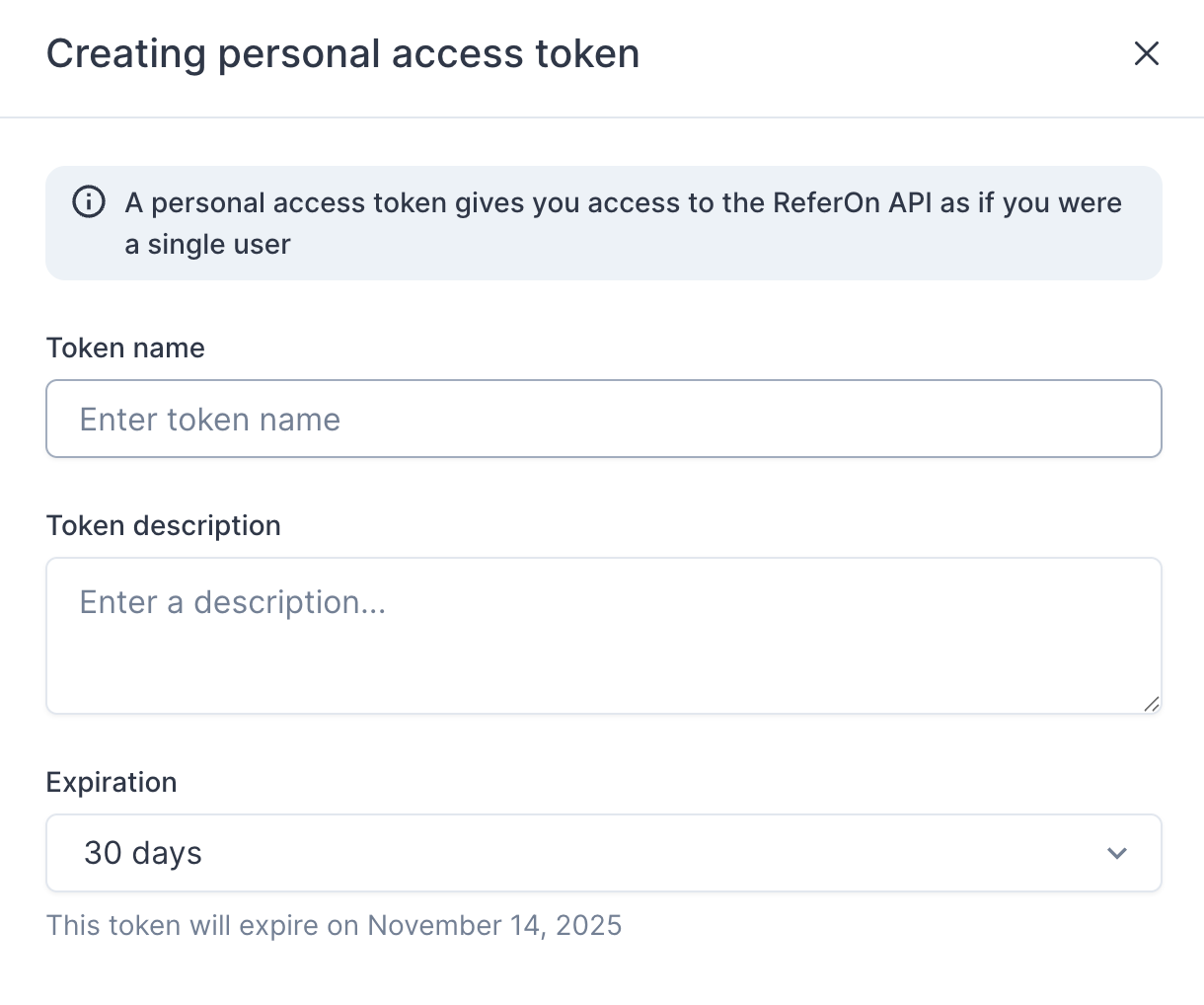
Add in the respective fields and copy the api link once created.
Company Settings
 |
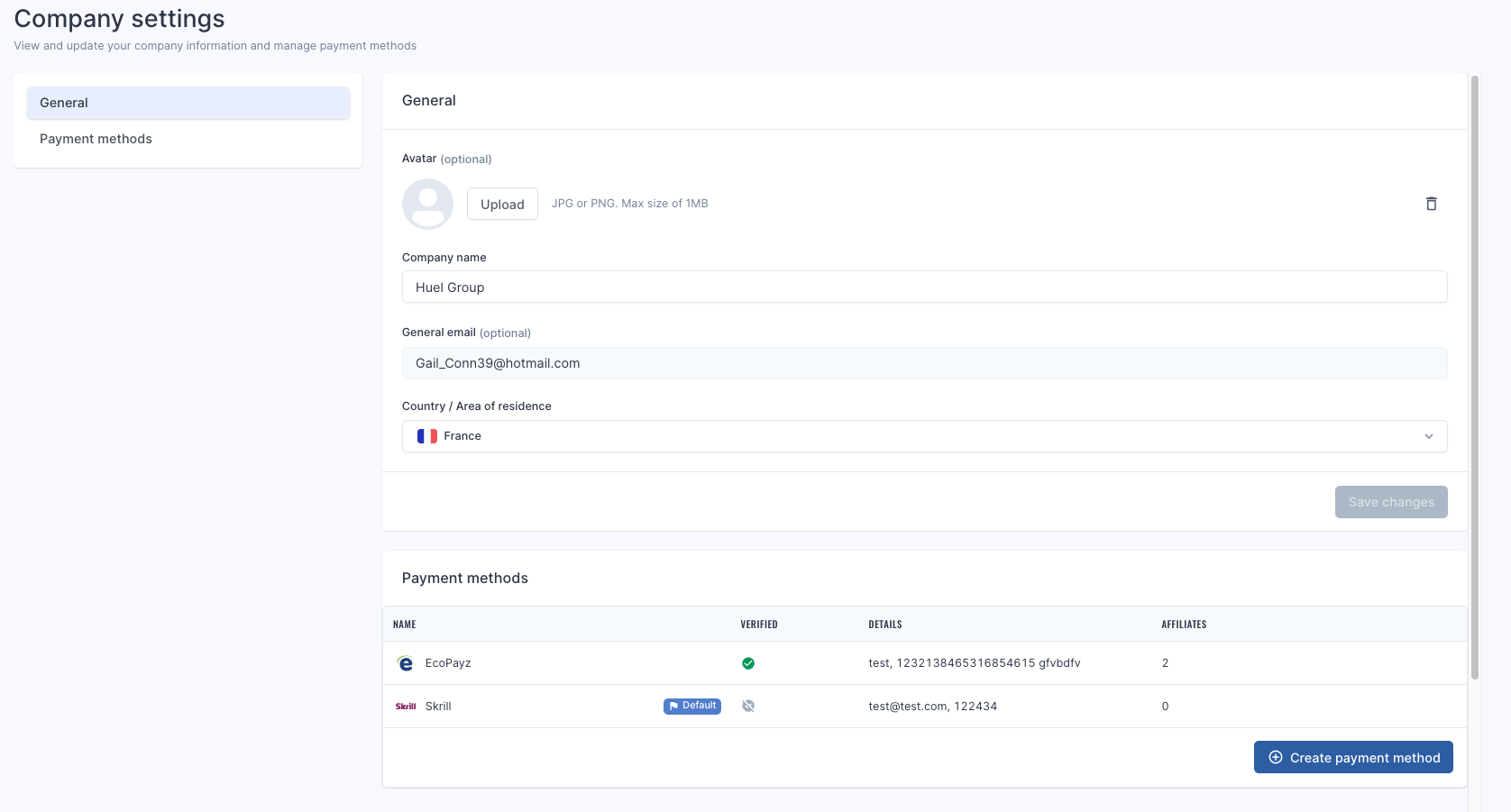
Section available only for Master/Company login. |
This allows the user to update company information, such as Company name, geo as well as adding in payment methods.
How to Logout?
Click the avatar of the user. Logout.