How to Create API Reports
 |
Follow the below steps to create a template and API. |
- Go to Reports - General
- Select your desired outputs, e.g. group bys, date range, columns and split bys
-
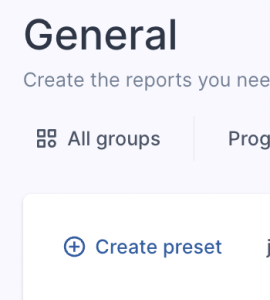
Select Create Preset
-
Insert a name and click Create preset
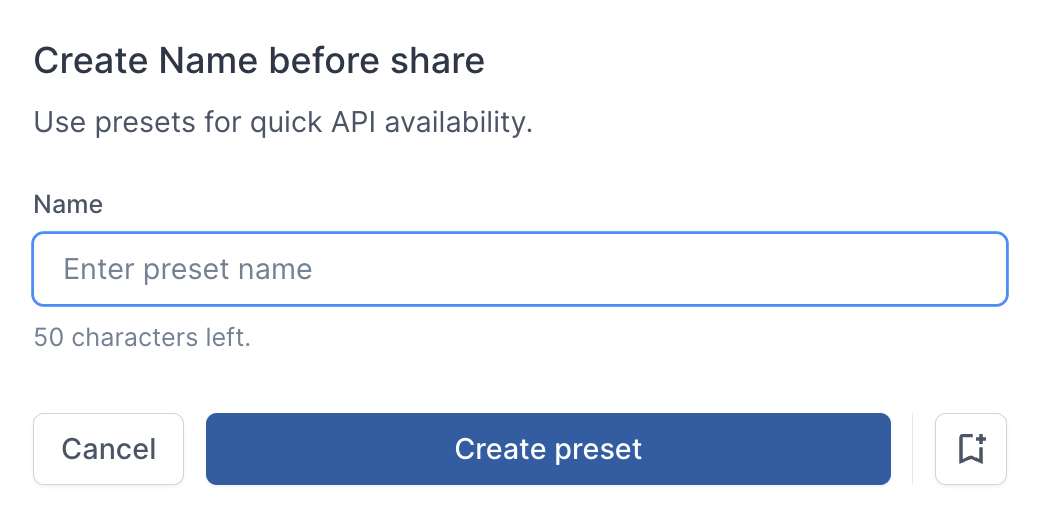
Click the Save icon to the bottom right, to keep it saved in your top 5 presets.
-
Upon click you will then be shown the API screen:
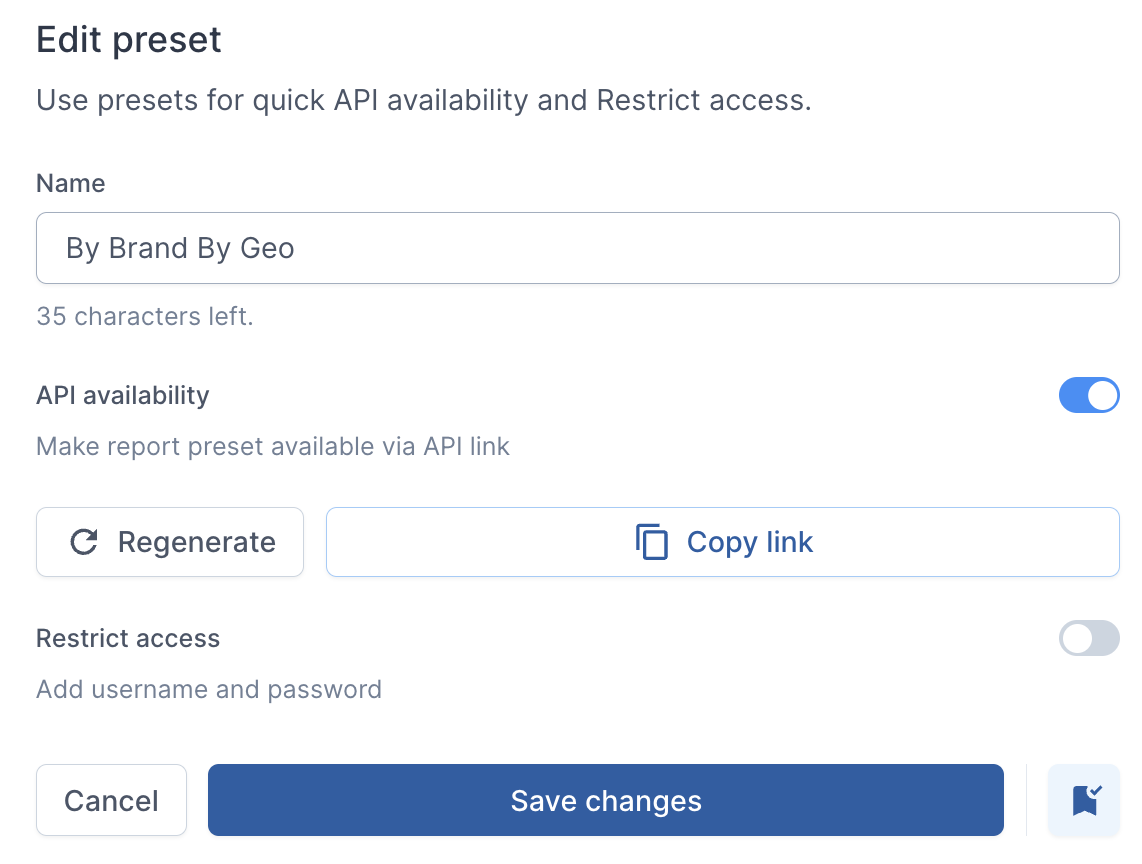
Copy the API Link for instant access outside of ReferOn. This will instantly download a CSV upon use.Use restricted access if sharing with third parties.
-
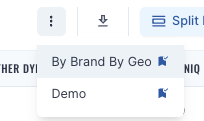
Upon saving, it can then be found via the Open icon (three dots) to the right. To bookmark it to the preset toolbar check the bookmark icon: