This will allow easy access to manage all postbacks in the system in one place, especially useful for the master company access.
This is only showing the Management page. Logs page is still found individually in the affiliate accounts.
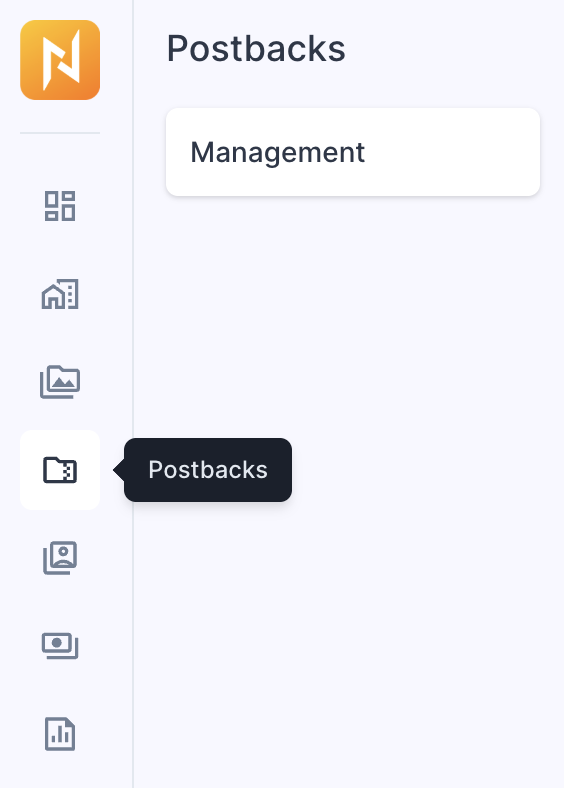
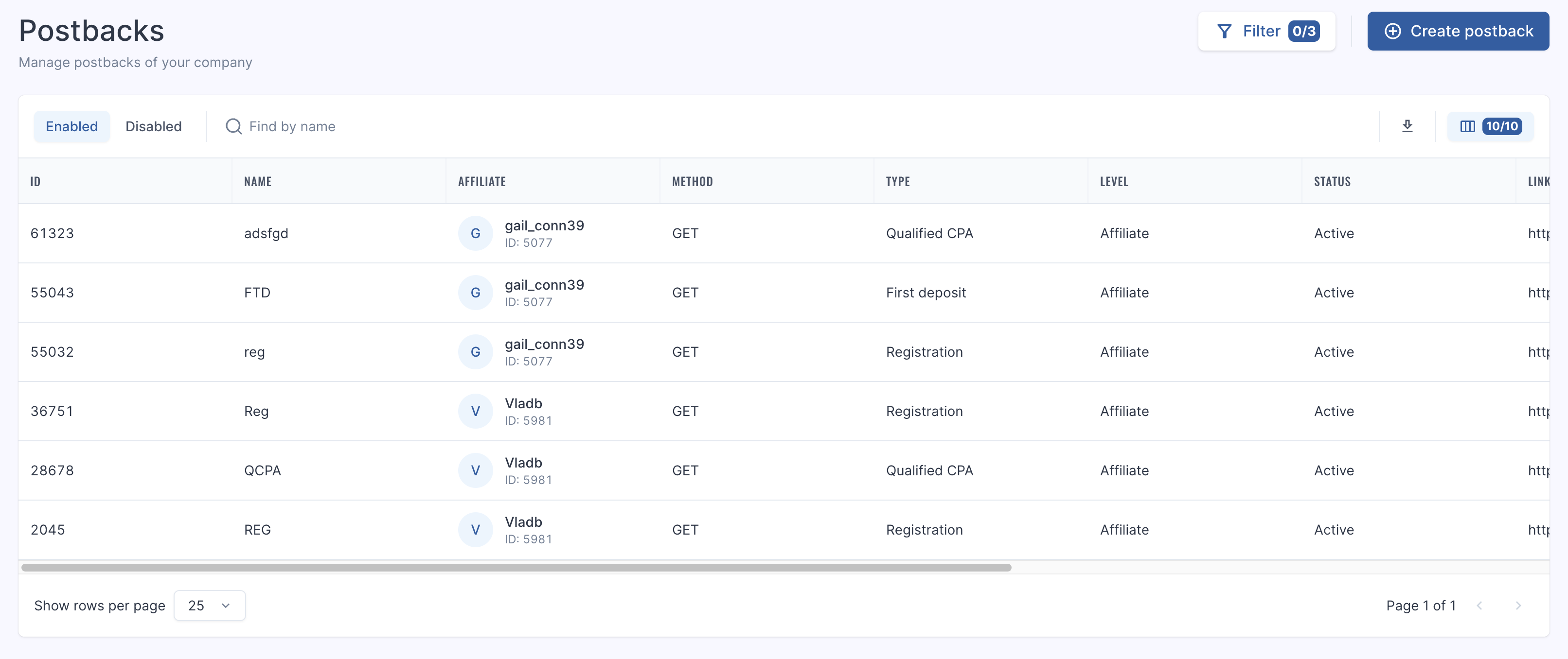
If you do not see this section, please contact your affiliate manager to enable it for you. After you will see the screen as below:
To set up postbacks click ‘Create postback’ button and follow the steps as described in the following article: Postbacks (S2S Pixels)
Filters
The filters that are available for this section are as follows:
Type
Levels
Affiliate
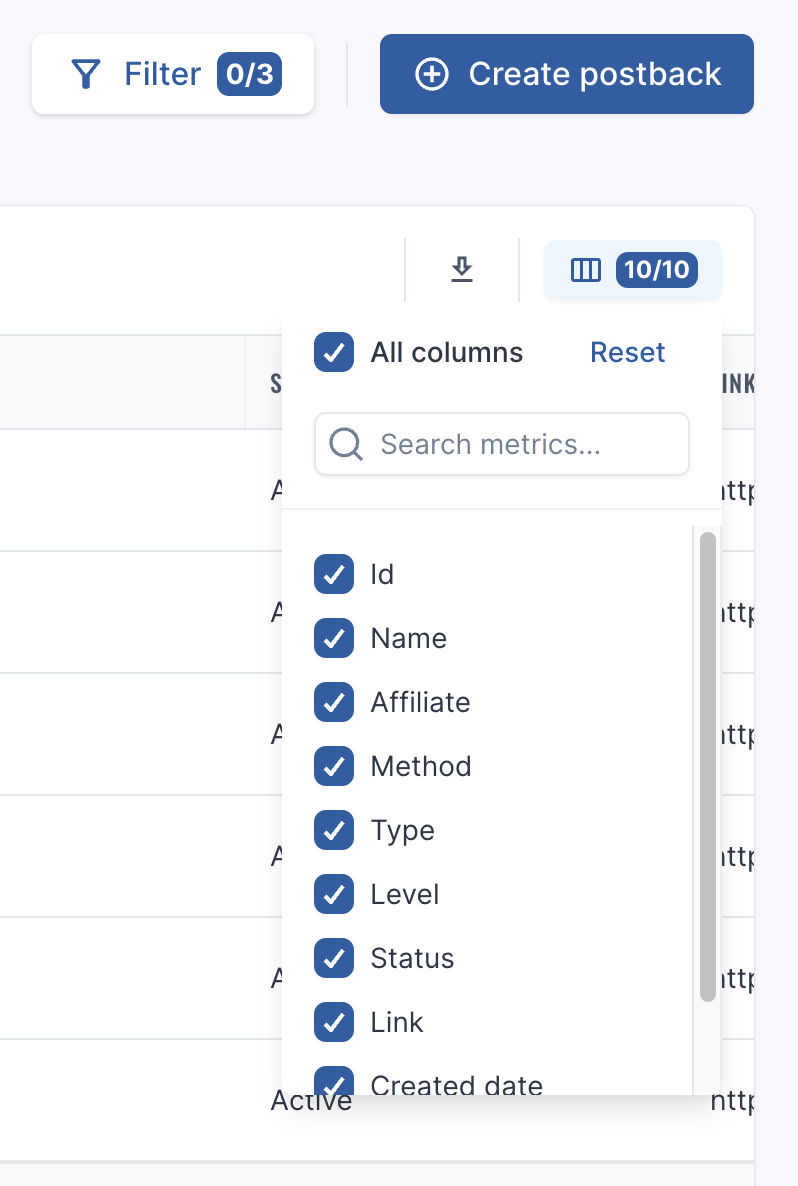
The extract button is available to the right of the page, moreover should you need a cleaner view for exporting or for screenshots you can adjust which columns show using the 'Column Chooser' icon.
Was this article helpful?Thank you! This helps us improve the knowledge base.
Didn't find the answer?Ask your affiliate manager - they will help.