
Adjusting Payment Methods
 |
This area is only for Company / Master Level access. To adjust the payment method, the company Master account MUST have 2FA enabled. |
Within ReferOn, a company can contain multiple methods for their affiliates allowing flexibility in payouts for example if some affiliates in a network need bank wire but others need cryptocurrency.
To set up your payment methods, follow the below instructions:
-
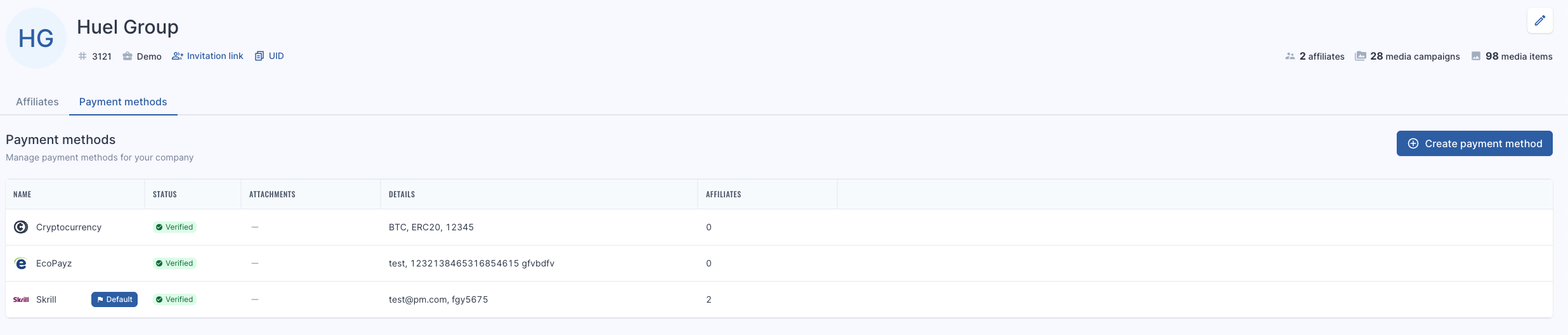
The company level access or Master user must first add the applicable payment methods via Payment methods tab by clicking ‘Create Payment Method’.
-
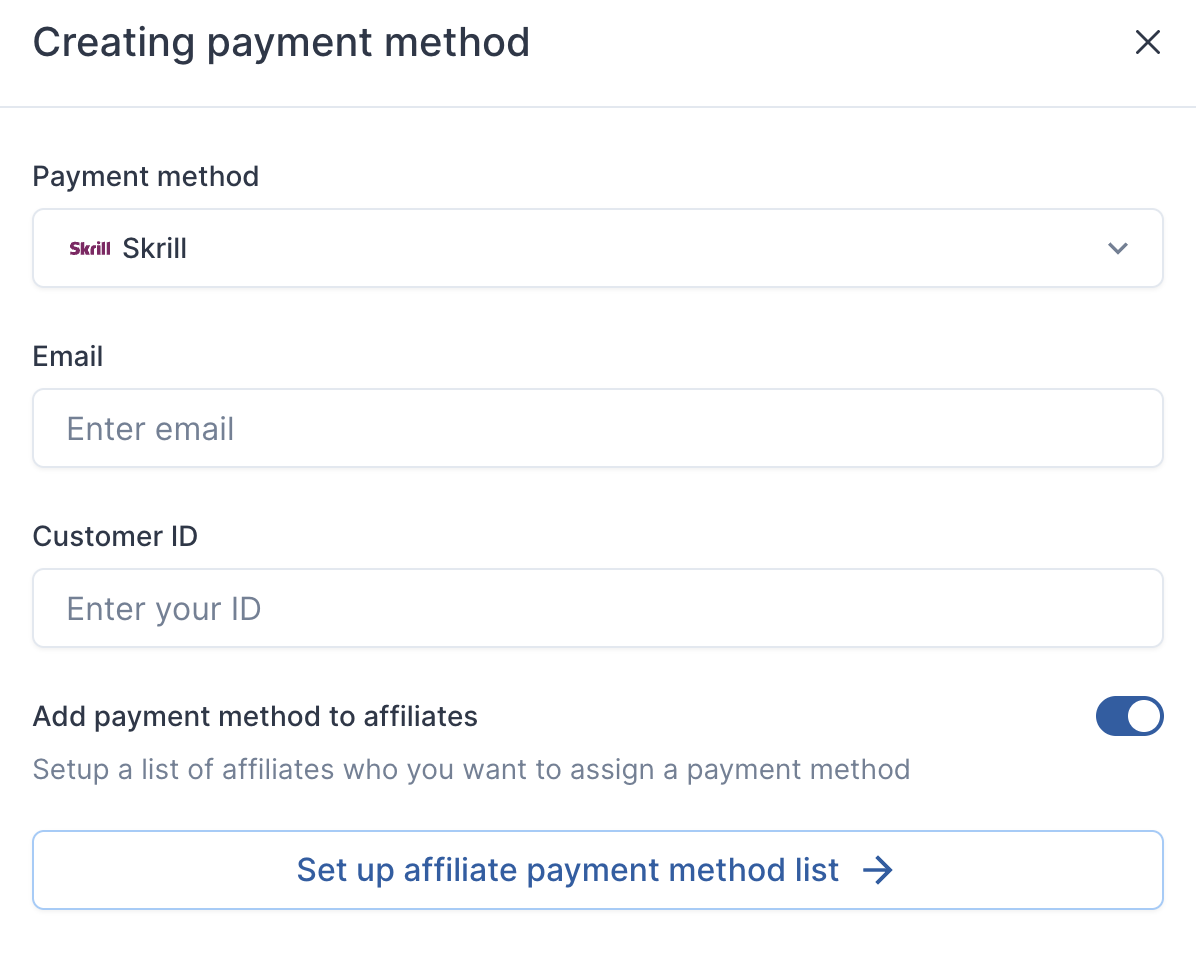
Add the associated details and toggle ‘Add payment method to affiliates’ to set up payment method for the affiliates in the company.
-
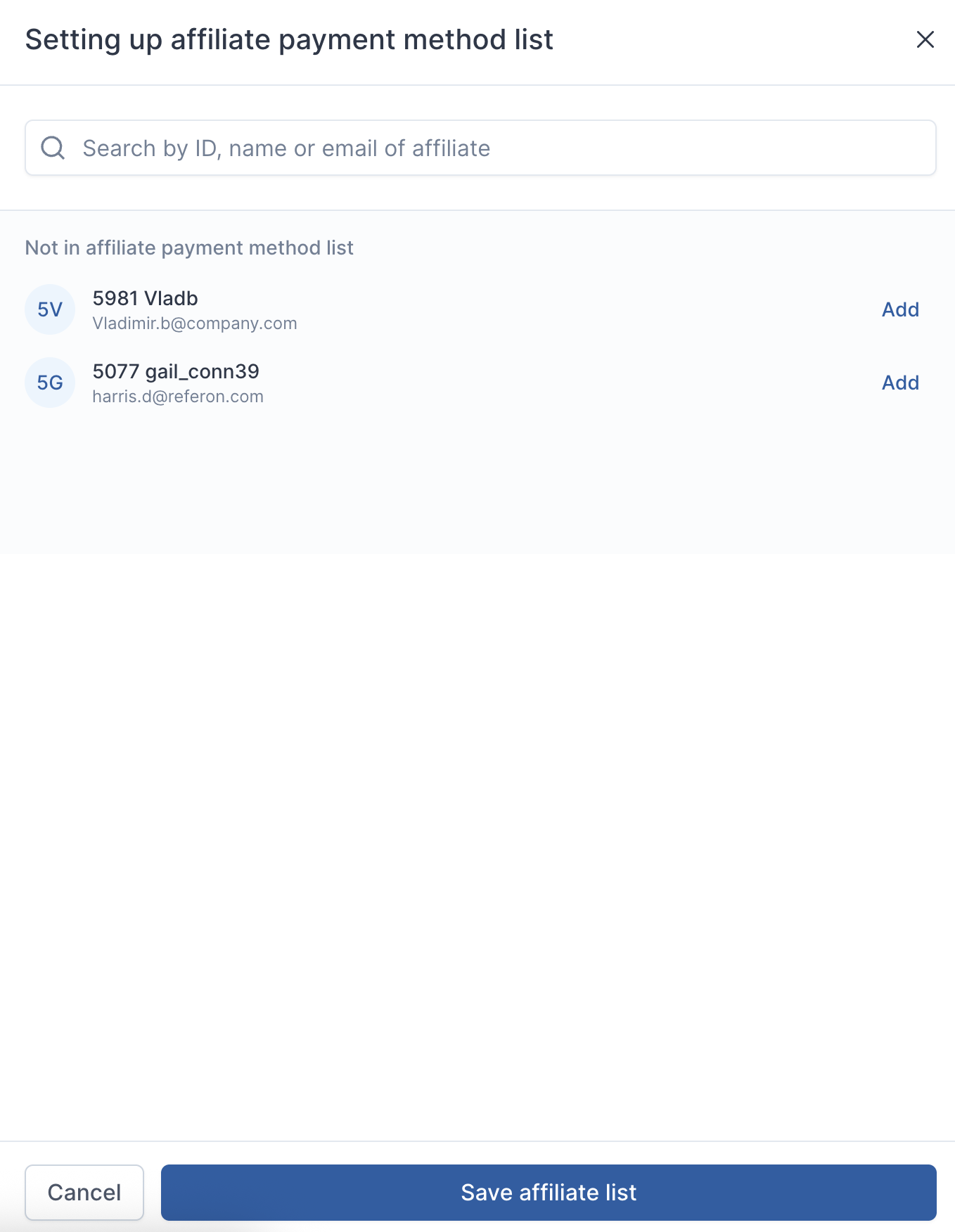
Add payment method to the affiliates and click ‘Save affiliate list’
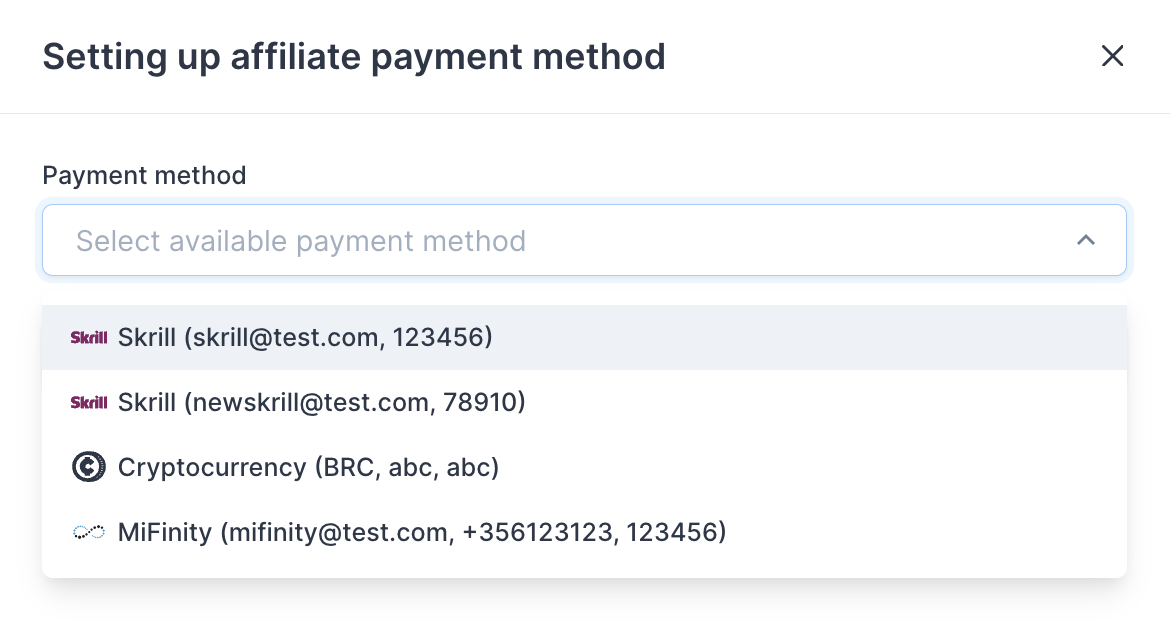
Alternatively, payment methods can be assigned to affiliates in the company individually or in bulk via ‘Change Payment Method’ in the ‘My Company’ screen in ‘Affiliates’ tab.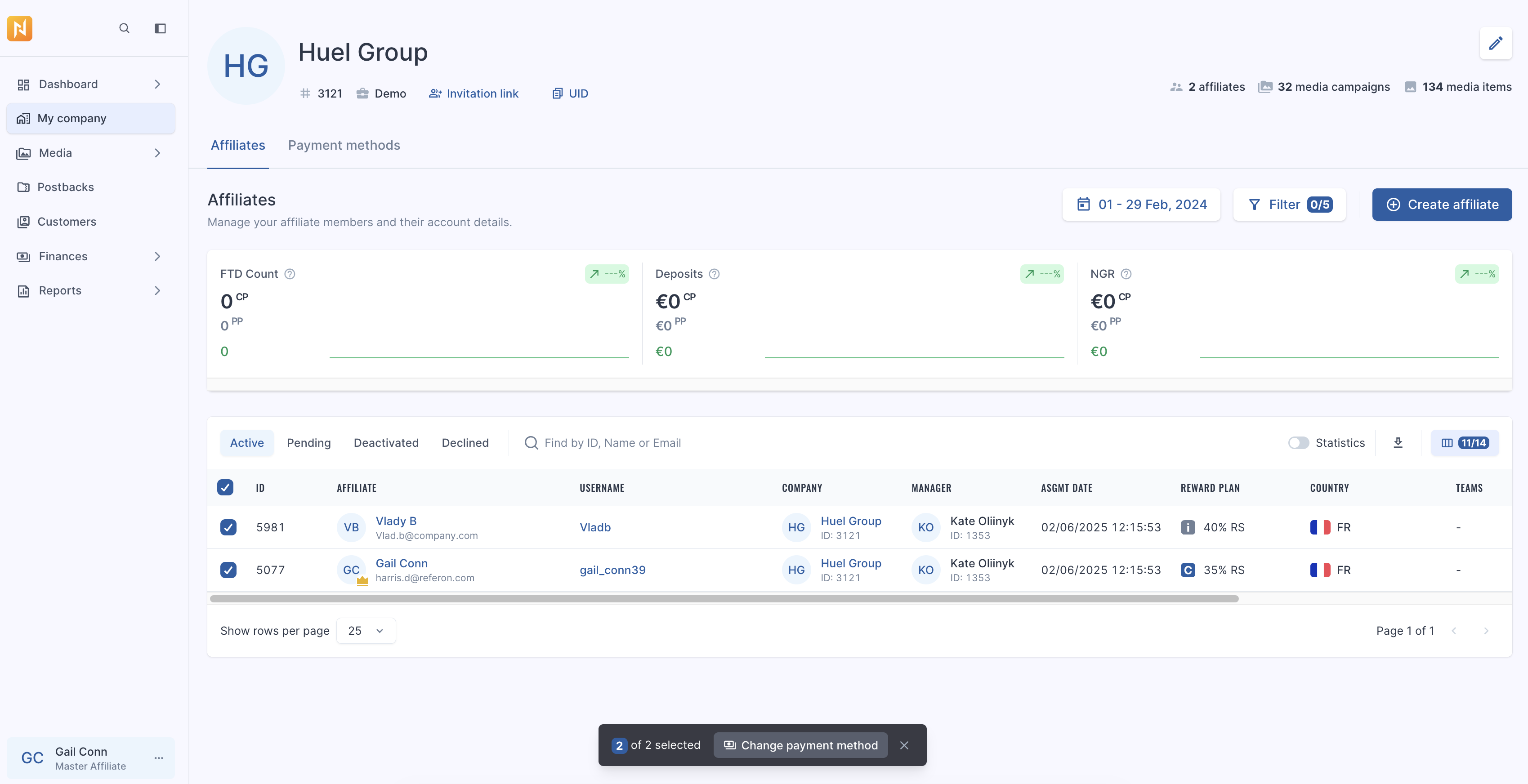
-
Select the appropriate method.
-
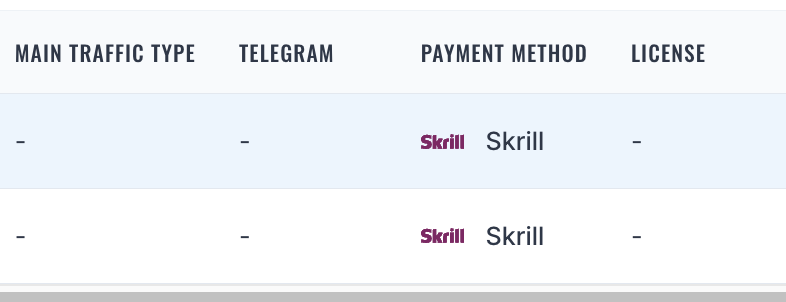
The method will then show in the My Company screen.
-
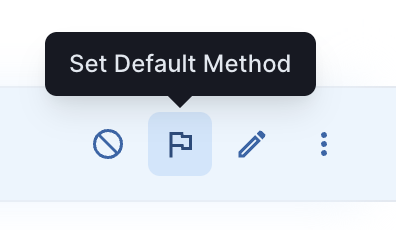
To set a particular payment method as a default method, go to Payment methods tab, hover the line and click “Set Default Method”.
Video